
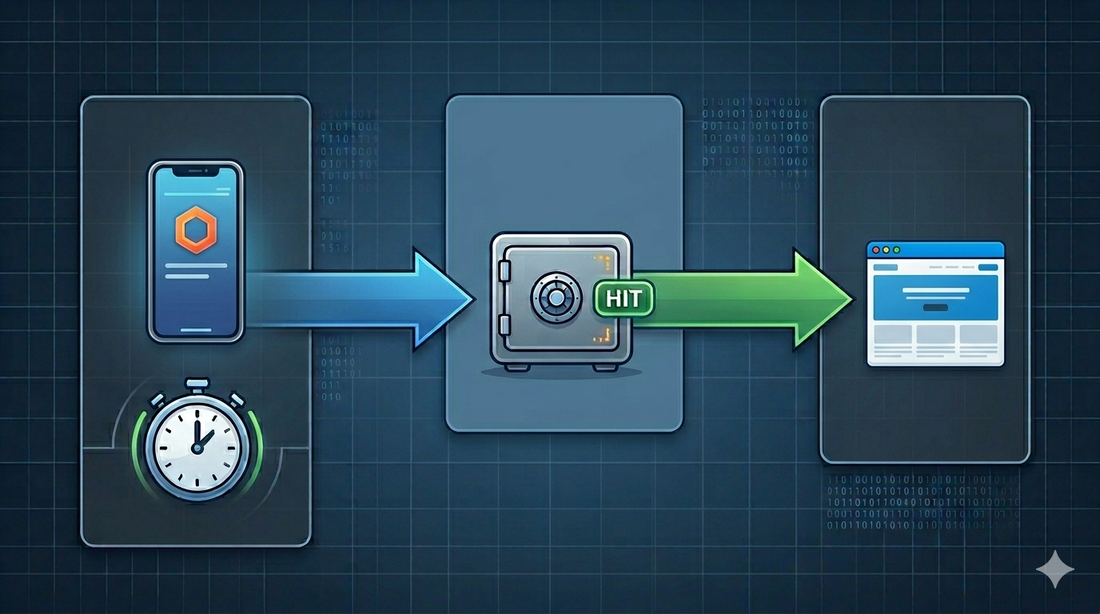
Deploying a Next.js app to AWS Amplify is usually straightforward when the app sits at the root of the repository.
The moment you put it inside a monorepo, the deployment becomes more interesting.
Not impossible. Just less automatic.
In one of the projects I worked on, the frontend was only one part of a larger system. The repository had a Next.js app, a NestJS API, a proxy service, shared packages, infrastructure code, and shared config. For this post, I will use a sanitized structure where the frontend lives at:
apps/web
The repo itself was managed with pnpm workspaces and Turborepo.
That setup is nice for development because the frontend, backend, and shared code can move together. But it also means the deployment pipeline has to understand the shape of the repository. Amplify should not behave as if the Next.js app is the whole repo. GitHub Actions should not deploy the frontend before the API and database migration steps are handled. And the build has to run with the right package manager, workspace filters, environment variables, and generated files.
This post walks through the deployment shape that worked for that kind of system.
It is not the only way to deploy a monorepo to Amplify, but it is a pattern I like because it keeps the release flow explicit.
The project shape
At a simplified level, the monorepo looked like this:
product-platform
├── amplify.yml
├── package.json
├── pnpm-workspace.yaml
├── turbo.json
├── .github
│   └── workflows
│       ├── lint.yml
│       └── sonarcloud.yml
├── apps
│   ├── web
│   ├── api
│   └── proxy
├── packages
│   └── shared
└── infrastructure
The important part is that the frontend is not at the repository root. It is a package inside the workspace:
{
  "name": "@acme/web",
  "scripts": {
    "build": "dotenv -e ./.env -c -- bash ./scripts/build.sh",
    "codegen": "dotenv -e ./.env -- bash ./scripts/codegen.sh",
    "lint": "dotenv -e ./.env -c -- bash ./scripts/lint.sh"
  }
}
The root package delegates work through Turbo:
{
  "scripts": {
    "build": "turbo build",
    "lint": "turbo lint",
    "predeploy:frontend": "turbo prune --scope=@acme/web"
  }
}
And the workspace includes the product packages and shared config packages:
packages:
  - "apps/*"
  - "packages/*"
  - "config/*"
This matters because Amplify needs enough context to install and build the app, but the artifact it deploys still comes from the Next.js project.
The Amplify build file
The core of the setup is the root amplify.yml file:
version: 1
applications:
  - frontend:
      phases:
        preBuild:
          commands:
            - npm install -g pnpm@8.5.1
            - pnpm install
        build:
          commands:
            - pnpm run build --filter=@acme/web
      artifacts:
        baseDirectory: .next
        files:
          - '**/*'
      buildpath: apps/web
    appRoot: apps/web
There are a few details here that are easy to miss.
First, this is a monorepo build spec. The applications list tells Amplify that this repo can contain more than one app.
Second, appRoot points to the app inside the repository:
appRoot: apps/web
That value should match the AMPLIFY_MONOREPO_APP_ROOT environment variable in Amplify. In the infrastructure for this project, that value was also set explicitly:
environment_variables = {
  AMPLIFY_MONOREPO_APP_ROOT = "apps/web"
}
Third, Amplify needs pnpm because it is not something I would assume is available in every build image by default:
- npm install -g pnpm@8.5.1
- pnpm install
Fourth, the build command targets the frontend package:
pnpm run build --filter=@acme/web
That is the line that stops the frontend deployment from becoming "build whatever happens to be in the monorepo." It keeps the Amplify build focused.
Why the frontend build script mattered
The frontend build script was not just next build.
It had to account for GraphQL-generated files:
#!/bin/bash

if [ "$STAGE" = "local" ] || [ "$STAGE" = "ci" ];
  then
    if [ -f "src/schema/codegen/generatedDefinitions.ts" ] && [ -f "src/schema/codegen/generatedTypes.ts" ];
    then
      next build;
    else
      echo "generatedDefinitions.ts and/or generatedTypes.ts under src/schema/codegen not found.";
      echo "Please run the dev script and then run the build script once again"
      exit 1
    fi
  else
    pnpm run codegen;
    next build;
fi
This is the sort of detail that gets lost in generic deployment tutorials.
In this project, the frontend depended on schema-generated TypeScript files. In local and CI environments, the script expected those files to already exist. In deployed environments, it ran codegen before building.
The codegen script also depended on the backend URL:
WAIT_ADDRESS="$(echo "$BACKEND_BASE_URL" | sed 's|http://||')";
wait-on tcp:${WAIT_ADDRESS} && generate-types;
That is a reminder that a frontend deployment is not always just a frontend deployment. If your Next.js app generates types from a live backend schema, your build pipeline needs to know where that backend is and when it is safe to call it.
Why we did not rely only on Amplify auto-builds
Amplify can auto-build branches when code is pushed.
For a standalone frontend, that can be enough.
For this project, GitHub Actions was a better place to orchestrate the release.
The deployment was not only:
push branch -> build frontend -> publish
It was closer to:
push branch
-> install workspace
-> create CI database
-> start API and app
-> run lint/build/tests/quality checks
-> package backend
-> upload backend artifact
-> run migration/deploy scripts
-> update Lambda functions
-> trigger Amplify frontend release
-> wait for Amplify result
That ordering matters.
If the frontend depends on backend environment variables, generated GraphQL types, migrations, or API compatibility, then the frontend release should not be treated as an isolated event. GitHub Actions becomes the conductor. Amplify becomes the frontend host and build runner.
In Terraform, the Amplify app and branches were configured with auto-build disabled:
enable_branch_auto_build = false

resource "aws_amplify_branch" "develop" {
  branch_name       = "develop"
  enable_auto_build = false
}
That was intentional. A push to develop, staging, or main should go through the workflow first. Only after the workflow reaches the frontend deployment step should Amplify start the release.
Triggering Amplify from GitHub Actions
The workflow used AWS credentials in GitHub Actions, then started an Amplify job through the AWS CLI.
The core idea looks like this:
- name: Deploy frontend code to Amplify
  if: env.CI_ACTION_REF_NAME == 'develop' || env.CI_ACTION_REF_NAME == 'staging' || env.CI_ACTION_REF_NAME == 'main'
  env:
    AMPLIFY_APP_ID: ${{ secrets.AMPLIFY_APP_ID }}
    AWS_REGION: ${{ secrets.NEST_AWS_REGION }}
  run: |
    job_id=$(aws amplify start-job \
      --app-id $AMPLIFY_APP_ID \
      --branch-name $CI_ACTION_REF_NAME \
      --job-type RELEASE \
      --query 'jobSummary.jobId' \
      --output text)

    while true; do
      job_status=$(aws amplify get-job \
        --app-id $AMPLIFY_APP_ID \
        --branch-name $CI_ACTION_REF_NAME \
        --job-id $job_id \
        --query 'job.summary.status' \
        --output text)

      if [[ "$job_status" == "SUCCEED" ]]; then
        echo "Deployment succeeded!"
        break
      elif [[ "$job_status" == "FAILED" ]]; then
        echo "Deployment failed!"
        exit 1
      else
        echo "Job status: $job_status. Waiting for 30 seconds before checking again..."
        sleep 30
      fi
    done
The important part is not the shell syntax. The important part is that the workflow does not fire and forget.
It waits.
If Amplify fails, the GitHub workflow fails too. That makes the release state visible in the same place engineers are already looking during CI.
One small note: check the AWS CLI version you are using. The current Amplify CLI reference uses --branch-name for start-job and get-job. If you inherit an older workflow using a different flag shape, verify it against the CLI version running in your GitHub runner.
Environment variables are part of the deployment contract
The frontend exposed several environment variables through next.config.js:
env: {
  BACKEND_BASE_URL: process.env.BACKEND_BASE_URL,
  FRONTEND_ORIGIN: process.env.FRONTEND_ORIGIN,
  NEXT_AWS_REGION: process.env.NEXT_AWS_REGION,
  STAGE: process.env.STAGE,
}
That means the Amplify branch environment is not a side concern. It is part of the release.
In this setup, different branches mapped to different environments:
develop -> dev.example.com
staging -> uat.example.com
main    -> example.com
Each branch needed the right backend URL, Cognito configuration, frontend origin, AWS region, and RUM settings.
This is one place where I prefer being boring and explicit. Do not make the frontend guess its environment. Put the values in the branch environment, keep the names consistent, and make the deployment fail early when something is missing.
What I would keep from this pattern
The parts I would reuse in another monorepo are:
- Keep
amplify.ymlat the repository root. - Use
applicationsandappRootfor the frontend package path. - Make sure
AMPLIFY_MONOREPO_APP_ROOTmatches the app root. - Install the package manager explicitly in Amplify.
- Build only the frontend workspace package.
- Keep branch-specific environment variables in Amplify.
- Let GitHub Actions orchestrate the full release when backend and frontend deployments are connected.
- Poll the Amplify job so a failed frontend release fails the workflow.
There is a practical humility in this approach. You are not pretending the frontend is independent when it is not. You are also not forcing Amplify to understand every deployment concern in the system.
GitHub Actions owns the release sequence.
Amplify owns the frontend build and hosting.
That separation is clean enough to operate.
Common gotchas
The first gotcha is building from the wrong directory.
If Amplify cannot find the Next.js output, check appRoot, buildpath, and artifacts.baseDirectory together. In this setup, Amplify builds inside apps/web, so .next is correct as the artifact directory.
The second gotcha is pnpm in monorepos.
AWS Amplify's monorepo docs call out additional configuration for pnpm and Turborepo projects. In many setups, you should also pay attention to the repository .npmrc, especially if your workspace needs hoisted installs.
The third gotcha is generated code.
If your frontend build depends on GraphQL codegen, OpenAPI codegen, or a running backend, make that dependency explicit. A build that silently uses stale generated files can be worse than a build that fails.
The fourth gotcha is deployment order.
If the backend schema changes and the frontend is generated from that schema, do not let an automatic frontend deployment race ahead of backend deployment or migrations.
The fifth gotcha is secrets drift.
When develop, staging, and main all have their own environment variables, drift is easy. Give environment variables boring names, document what each one means, and avoid clever branch logic inside the app.
Closing thought
Deploying a Next.js app from a monorepo to Amplify is not hard because Amplify is hard.
It is hard because monorepos make relationships visible.
The frontend depends on shared packages. The build depends on generated types. The generated types depend on the backend. The release depends on migrations and environment variables. Once you see those relationships, the deployment pipeline has to respect them.
That is why I like using GitHub Actions as the release workflow and Amplify as the frontend deployment target.
For this setup, that meant:
GitHub Actions decides when a release is safe.
Amplify handles the Next.js hosting.
The monorepo stays honest about its dependencies.
That is usually the shape I want in production systems: not magical, just explicit enough that the next engineer can understand where the release actually happens.
Discussion